


CUTTING OFF CRITICAL SCREENS BY FREEZING THEM
With Easyuac, you can disable critical screens for some users or all users using the frosting method. This way, you can protect screens and information that could be problematic to monitor and record for your company. For example, when critical information such as user information and passwords appear on your accounting staff’s computer while logging into the bank, easyuac freezes the screens, preventing these images from being viewed and saved.
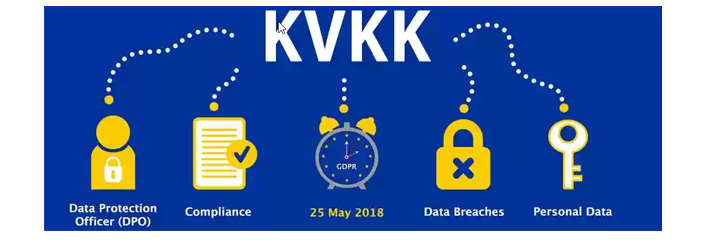
As stated in the law on the storage and distribution of personal information of persons (KVKK) in accordance with the PERSONAL DATA PROTECTION LAW, published in the official gazette dated 7/4/2016, which bears the recently issued Law number 6698 in Turkey and adopted on 24/3/2016, some user information is considered personal, and therefore some rules are introduced on the distribution and storage of this information. In the user’s personal, non-commercial use of my software designed in accordance with this law; For example, in order to eliminate the negativity that may occur when logging into a personal facebook account or connecting to a personal bank account, our software ices the screens in such cases, making them unreadable. This approach means that you have taken the necessary precautions regarding the storage and handling of your personal data.
The ability to frost critical screens is only available in the easyuac product. You can use all features of the software for free for 3 days.