

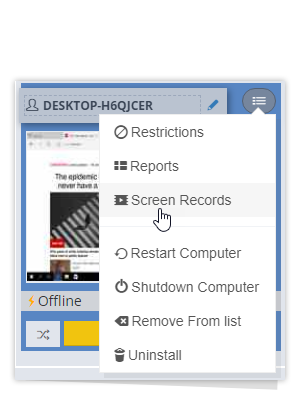
You can record user usage activities.
Thanks to Easyuac, you can record the user activities, which we call “activity,” of all users who use the PC. Activities such as how long users stay on which screen, which screen they switch to later, and the waiting times on these screens are recorded in the easyuac system. Incredibly different data also emerges when you record the actions and actions of employees or any computer user during the day. By testing our software, they stated that in the feedback we received from users, they saw that some users they never expected were busy with incredibly different jobs during the day and were very surprised at this. With such software, you can obtain very detailed information about what all users are doing during working hours.
With the Easyuac application, you can record the screens of all PCs on your computer network. You can access historical screen recordings from any device at any time you wish. Screen recordings are taken within the time periods you specify and stored in an encrypted format. Some of these stored images (every 90 seconds) are saved to the Cloud system, and you can access these images at any time and from the device via the cloud system, even if the PCs are turned off.
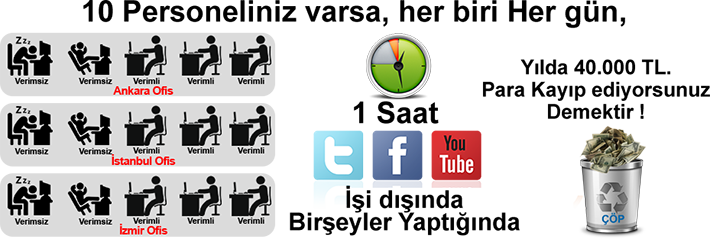
You can monitor the received user activity logs from any device and place you want. Even if the pc opposite is turned off. You can use all the features of the program for free for 3 days to see them in action.